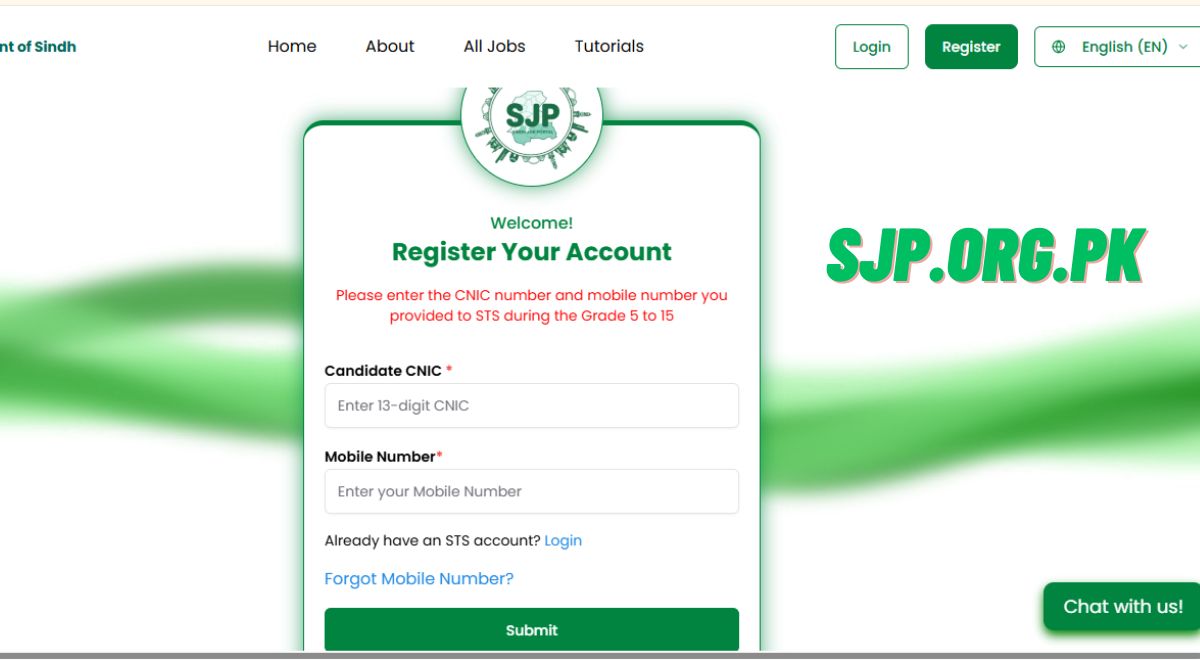
If the Sindh Job Portal (SJP) at www.sjp.gos.pk is not working properly, there’s no need to panic. Sometimes, due to heavy traffic or server maintenance, the website becomes temporarily unavailable. Be patient — the issue is usually fixed within a few hours. However, if the portal remains inaccessible for a longer period, you can still apply for SJP Jobs 2025 by following the alternative steps given below.
Step-by-Step Guide to Apply for SJP Jobs Without Portal Access
Step 1: Be Patient and Wait for Maintenance
The SJP portal often experiences delays when thousands of users try to apply at the same time.
- Wait for a few minutes and refresh the page.
- Clear browser cache or try opening it in Incognito Mode.
- You may also try using another browser or device (e.g., Chrome, Firefox, or mobile).
Step 2: Visit Alternative SJP Websites
If the main portal is down, visit the official backup links for SJP updates:
These websites regularly post job updates, notices, and alternative forms for applicants when the main portal faces technical problems.
Step 3: Email or Submit Manually (If Instructed)
When the online system is unavailable, the Sindh Job Portal may allow (Hope so not sure) manual submission.
You can:
-
Email your completed form and documents to the official support email:
support@sjp.gos.pk -
Or submit your application physically at your nearest STS/SIBA office.
Keep checking SJP’s official social media pages and website for instructions.
Step 4: Keep Checking Regularly
Be patient and revisit the portal after a few hours.
- Usually, the website resumes within 12–24 hours once maintenance is complete.
- Don’t rush or refresh repeatedly — it may block your IP temporarily.
Important Note:
-
Never share your CNIC or password on social media groups.
-
Only apply through the official SJP portal once it becomes available.
-
Be patient — your data remains safe during maintenance.